










14 Best & Free Live Video Chatting/Calling Apps for 2026

A video chat app is your portal to real-time communication, bridging gaps effortlessly. Whether you're catching up with loved ones or collaborating with colleagues, these apps bring everyone together, virtually, from the comfort of their own space.
Whether it's for personal or professional communication, video chat apps usually offer cutting-edge solutions. The advancements in these apps have allowed them to be adopted across virtual classrooms and remote work.
If you're looking for the top video chatting/calling application in 2026, this article brings around the best guide for it.
Top Video Chatting/Calling Apps for 2026
The popularity of video calling/chatting apps keeps growing because they're innovative and useful. Let's check out some of the most popular ones:
1. Zoom
Zoom has become a popular choice for big companies as a video chatting application because of how easy it is to use. Whether you are hosting a townhall, workshop or any other big meeting, you can invite upto 100 people to join the link on the free version.
Most of the companies use Zoom to conduct interviews as well. Even the free version of Zoom offers exclusive features like virtual background or breakout rooms. You can easily opt for recording the meetings and sharing live chats. The biggest plus point? The paid version comes with even better features.


Must Read: Most Entertaining Apps for Android
2. Google Meet
If you are looking for a tool for personal and professional video calls, you can rely on Google Meet. You can use it from the apps on your phone or just access it from the browser. So, it is quite convenient for the participants who don't have enough space on their devices for a video chatting application.
As a leading video conferencing platform, Google Meet provides the option of live chat, virtual backgrounds and screen sharing. The recorded meeting can be seamlessly integrated with Google Drive, thereby ensuring better shareability. You can use it for free.
3. Signal
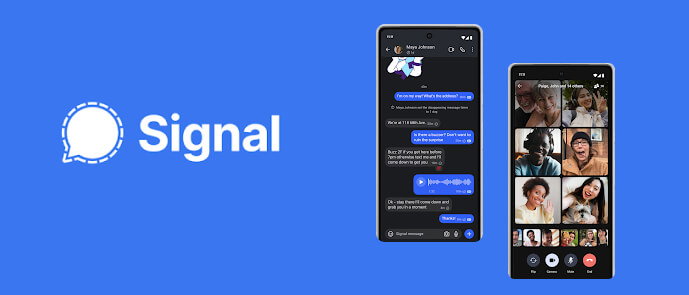
Signal is a great video calling app for people who really care about their privacy and security. It's a total game changer across the virtual communication landscape. Signal conducts end-to-end encryption on all the communication methods.
Signal encrypts information like exchanging data, conducting interviews and more. Signal has proven to be an effective communication channel for users without compromising on privacy. Thus, it provides peace of mind for effective communication.
4. WhatsApp

Whether it's instant messaging or video chatting, WhatsApp excels in being the best in each sphere. WhatsApp has helped to revolutionize the entire video communication through its modern day technology. The best part about WhatsApp is that it is effective for personal and professional use.
Must Read: How Much Does it Cost to Develop an App like Whatsapp?
WhatsApp allows fast and easy real-time communications catering to the location and zone. Furthermore, WhatsApp also helps to integrate seamless communication while reducing the need for international calling plans. It also offers end-to-end encryption of information, offering privacy and peace of mind to users.
5. Botim
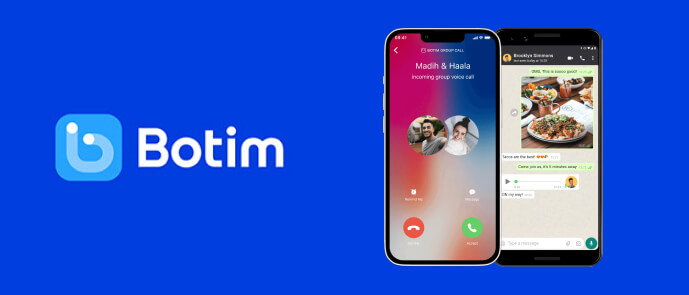
Bridging the gap between traditional and modern communication, Botim caters to the needs of all users. Botim is also hailed to be an extensive alternative to WhatsApp. The functionalities of Botim are very similar to instant messaging and voice and video calls, all while sharing messages.
Botim offers services like internet calling even when the network is low. Comparatively, it has very affordable rates, making it easier for everyone to make calls easily. Botim can surely be an effective way to stay connected with your loved ones.
6. FaceTime
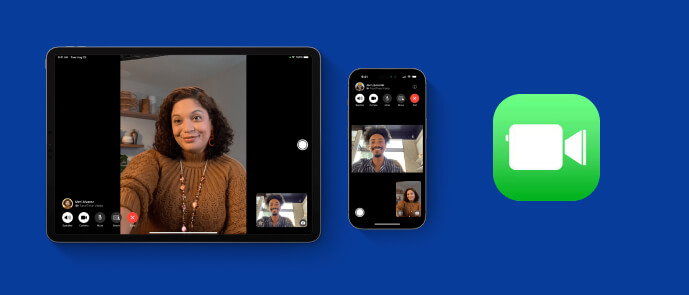
If you're an iPhone user, you will have FaceTime by default. FaceTime was developed by Apple, especially for its users. This video chatting application allows individuals and users to make high-quality video calls and audio calls.
FaceTime can be seamlessly integrated with other Apple devices. Apart from that, Apple also offers contacting, messaging, and voice assistants. The seamless and smooth ecosystem of Apple allows convenience and efficiency for the users. Moreover, Apple also offers an extra layer of security and privacy through end-to-end encryption.
7. Telegram

Telegram is undoubtedly a great all-in-one platform offering easy calling and end-to-end solutions. The unique feature of ‘secret chats’ in Telegram catered to the needs of all individuals.
Comparatively, the video call quality of Telegram is exceptional and can work perfectly even for slow internet connections. Some of the major features of this video chatting application include screen sharing, voice messages, and group calls. Telegram can be used on multiple platforms and devices, making it convenient for personal and professional use.
8. Webex
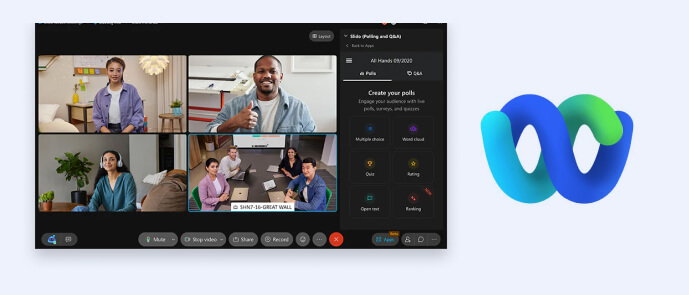
Businesses heavily rely on Webex for professional communication. With end-to-end encryption technology, Webex offers easy and faster calling. It allows the benefit of recording high-quality audio and videos. Furthermore, Webex also offers the benefit of screen sharing and recording conversations.
Webex also provides the benefit of breakout rooms and virtual backgrounds. One of the major features of Webex is its on-live call translation services. Webex can be seamlessly integrated with popular tools such as Salesforce and Microsoft Teams for comprehensive solutions to improve business communications.
9. Messenger
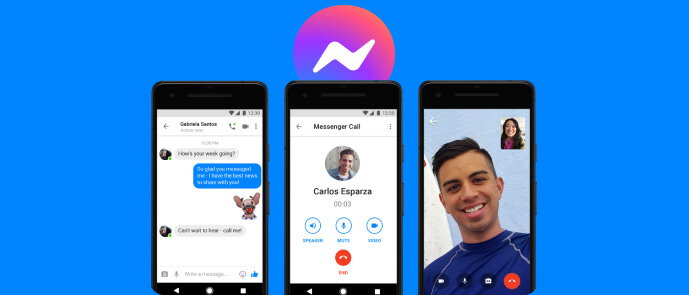
Developed and launched by Meta, Messenger is usually integrated into the Facebook account of users. Over the years, Messenger became extremely popular because of its various features like sending video messages, gifs, photos and more.
Messenger also allows the sending of voice and video calls, thereby enhancing communication. Some of the major features of Facebook Messenger include playing games, chatbots, sharing stories, group calls and more. Messenger allows accommodations for 50 participants.
10. Microsoft Teams
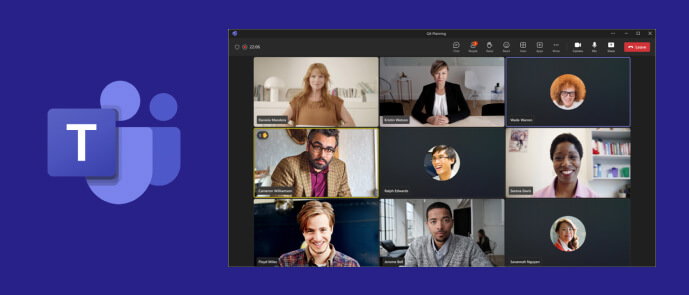
Another very professional platform that can be easily integrated as one of the leading video chatting application is Microsoft Teams. Microsoft Teams fosters easy communication and better collaboration. Some of the major features of Microsoft Teams for on-live calls include virtual whiteboards, integration with Microsoft tools, and more.
Big organizations and multinational companies use Microsoft Teams. Upto 100 people can join a Teams call for 60 minutes.
11. Discord
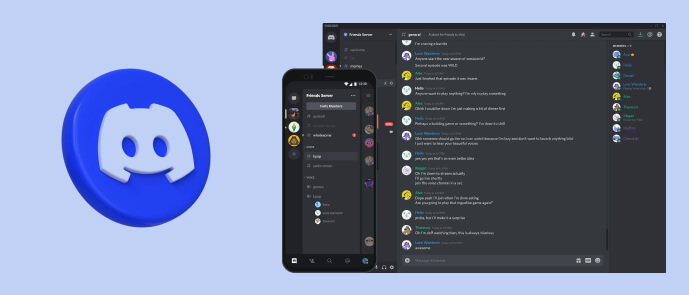
If you are a gamer or designer or even a marketer, you probably know what Discord is. After all, its one of those video chatting platforms that you may be using on a daily basis to connect with your team members. You can send videos, share messages, and even have video calls on it. The biggest advantage of Discord is that it allows you to build community.
Discord started really small, but eventually it grew to become bigger. Discord communications are based largely on texts, videos, and voices. Discord, however, is the best for personal communication and has a limit of around 29 members.
12. Jitsi
If you want a video chatting app that doesn’t require you to instantly sign up, Jitsi is your go-to tool. Whether you’re an iPhone user or Android user, you can seamlessly use Jitsi because of all the benefits it offers. Although it is free, the quality of video calls is top-notch.
Since there are not too many integrations, there isn't much risk of the videos lagging. Moreover, it's a great platform for sharing pills. Jitsi is a good platform for personal usage. However, there may be safety concerns since it is an open-source platform.
13. Slack
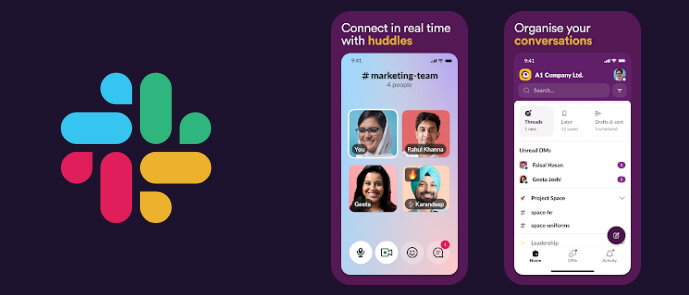
Established for professional teams, Slack is undoubtedly one of the best video chatting application for 2026 to improve communication. Slack allows text messaging, video calls, and voice communications while also paving the way for discussion of tasks and teams. Slack has also helped in simplifying the workflow thereby boosting the productivity of employees. It is integrated with other programs and services, thereby paving the way for urgent discussions and faster programming. Slack’s video tool, however, has a capacity of only 15 people per call.
14. Zoho Meeting
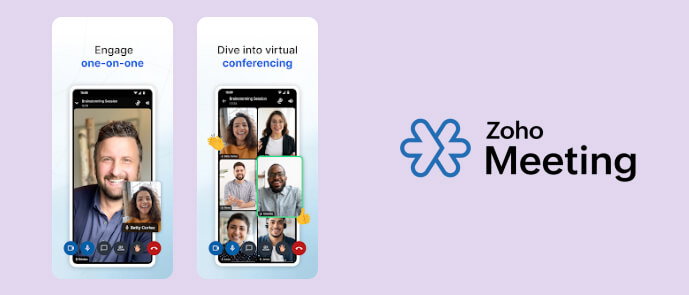
Zoho Meeting is one of the best platforms to host video meetings, webinars and a really interactive brainstorming session with your collaborators. The best feature of Zoho Meeting is that it allows you to track the meetings in real-time without any lag. Zoho Meeting is a reliable choice for small businesses.
Zoho Meeting allows 100 participants for video meetings for an hour. Furthermore, it also supports the whiteboard functionality feature within-session chats and virtual backgrounds. Zoho also offers a wide range of other features during the meetings, like Q&A, screen sharing, and more. Zoho Meeting is compatible with iOS, Android, Linux, Windows, and Mac.
Key Features to Include in a Video Chatting App
A video chatting app doesn't fail because the idea was wrong; it fails because the development team missed a feature that actually mattered. Before you brief a development team on requirements, it's worth knowing exactly which features can add the most value to video chatting apps.
- HD Audio and Video Quality: Most people give a call app two or three bad tries before they uninstall it; nobody waits around for a fourth dropped call. Adaptive bitrate streaming is what holds the call together on a weak connection instead of letting it freeze mid-sentence, and it's usually what separates an app people trust from one they abandon.
- End-to-End Encryption: If you are a healthcare, legal or financial client, this is not a feature you can skip and add later. Enterprise buyers bring up encryption early in the procurement process, and if your product can’t give a clear answer, the project is less likely to move forward.
- Screen Sharing: Screen sharing is important for client demos, onboarding sessions and remote support calls, as many projects can be discussed through this.
- Cross-Platform Compatibility: Works seamlessly on desktop, mobile, and web platforms so that all users can access it. Broad device compatibility reduces friction, increases adoption and minimises support challenges.
- Group Calling with Scalability: Big meetings, webinars, training sessions, and enterprise communications all require the right infrastructure to accommodate growing participant numbers.
- Scalability: Design for scalability from the start of development to avoid expensive architectural changes later on.
- Chat and File Sharing: Built-in chat and file-sharing functions promote collaboration, as participants can communicate and share files without leaving the meeting interface.
- Record & Transcribe: Call recording and transcription are useful for training, compliance, documentation, auditing, and knowledge management. By enabling these capabilities early, you can better address enterprise requirements.
- Push Notifications and Reminders: Timely reminders help maintain attendance and motivate people to show up for the calls they scheduled.
- Virtual Backgrounds and Noise Cancellation: Features that enhance call quality and reduce environmental distractions contribute to a more professional communication experience, particularly for remote and hybrid teams.
- Admin and Moderation Controls: Somebody needs control over who joins, who gets removed, and what rules apply during a call. Give admins that control because enterprise buyers always ask about it before they sign anything.
Getting this right in the first release is cheaper than fixing it later, which is why Owebest builds these into the architecture from day one instead of adding them on later.
Cost of Developing a Video Chatting App
The cost of developing a video chatting app depends on multiple things. First, it depends on which platforms you're building for and where your development team is located. A simple one-to-one calling app costs nowhere near what an enterprise-grade platform with end-to-end encryption and large-scale group calls will run you.
Here's roughly what that looks like by the app type:
Location moves the numbers too. Teams in North America or Western Europe bill more per hour than teams in South Asia, though total cost often balances out once you factor in delivery speed and experience. Once the app is live, the costs don’t stop. Additional server infrastructure, maintenance, and integrations like payment gateways or cloud storage add up.
Trying to decide between building this yourself and looking for an effective solution from professionals? Owebest can put together a cost breakdown based on your actual feature list and market.
Final Words
The video calling applications have undergone several changes, benefitting online classes and remote work. These changes have also played an important role in facilitating smooth communication and better collaboration among teams.
Therefore, there are various apps available in the market from free to paid. It can be difficult to choose between one, so why not just get a platform for your business? If you're looking to build a video chatting application for your business, you can rely on Owebest, the best app development company.
Having helped numerous businesses over the years, we can build your app, too. You may outsource your services to us, and we'll deliver the best solution right on time. Contact us to know more!
Frequently Asked Questions
Q. What is the cost of developing a video chatting app?
A: Generally, the cost to create a video chatting app is $8,000 for something basic. In contrast, to develop an enterprise-grade platform, the cost could be up to $100,000+. But the actual price depends a lot on encryption, group-calling capacity, and how many platforms you are building for.
Q. How long does it take to develop a video calling app?
A: It usually takes around 6-8 weeks to develop a basic video calling app. On the other hand, developing enterprise-ready platforms with full integrations and compliance typically takes 6 to 9 months.
Q: What technology is used to make video calling apps (like Zoom or Google Meet)?
A: The real-time communication part is handled by WebRTC. Signalling servers, TURN, and STUN handle network traversal and cloud infrastructure.
Q: Can I make a video calling app with E2E encryption like Signal?
A: Yes, you can build the Signal Protocol itself into a custom build to encrypt calls, messages and file transfers. This is a good priority if you’re targeting a regulated industry.
Q: How many people can a custom-made video calling app accommodate?
A: There’s no hard cap. It depends on how the backend is built. Well-built apps can scale from a handful of users to several hundred in one call.
Q: What ongoing maintenance does a video chatting app need post-launch?
A: Security updates, server monitoring, bug fixes and updates when a new OS version is released. Plan for this in advance so it doesn’t bring any kind of surprise later.
.jpg)