










How to Build AI-Powered Apps with Supabase in 2026
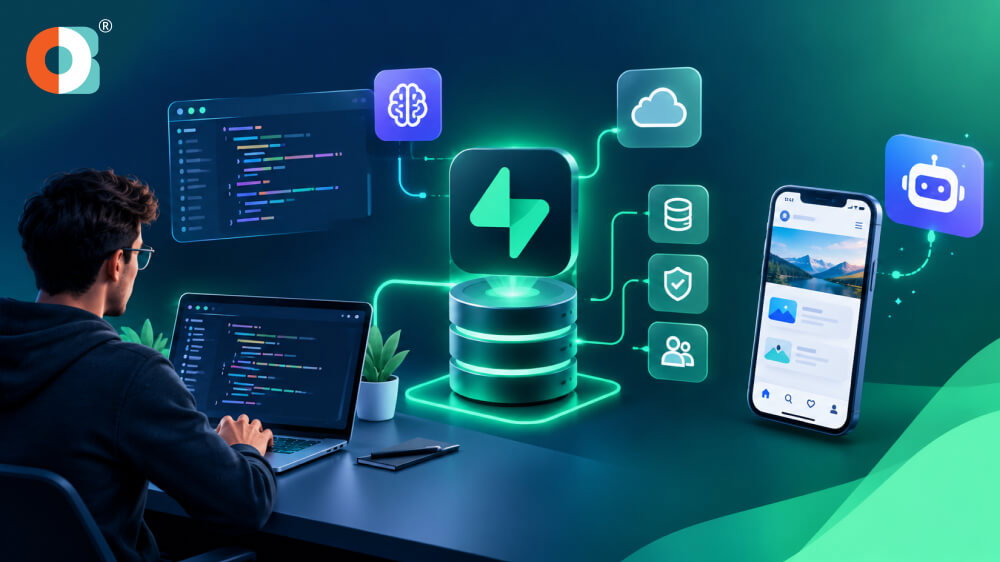
Would you like to develop your AI application without handling many tools? Well, you are not alone. AI is slowly but steadily gaining a presence in product development, and according to the McKinsey global survey for 2026, 40% of respondents from bigger companies are scaling AI agents.
Supabase would help make the development process easier by incorporating all aspects like database, authentication, storage, edge functions, and vector search on one platform. But then, how can you build AI apps with Supabase in 2026? Also, why do developers keep choosing this solution? Let’s know!
Reasons to Pick Supabase for Developing AI Apps
Supabase is a very fast-growing Backend-as-a-Service (BaaS) platform. In fact, it is known for being open source, using a PostgreSQL database, and providing various development tools. This makes it a great choice to build AI apps with Supabase, in addition to the following reasons.
Supabase Edge Functions
You get to execute code on the server side without having to manage servers. They play a very crucial role for necessary AI features like model execution, data processing, and inference.
Supabase Realtime
Supabase Realtime is a feature that allows your app to receive updates on data in real-time. It is good for AI chatbots, assistants, dashboards, collaborative apps.
Supabase Storage
Supabase Storage enables you to store and deliver files, images, and documents. It also adds support for large files, image transformations, S3 compatibility, and Row Level Security (RLS) access control.
AI Platform Integrations
Supabase provides integration to various AI platforms through APIs. Examples include OpenAI, Anthropic, and Hugging Face.
Edge Computing Support
Supabase Edge Functions operate across several regions. This can be useful in minimizing latency when your AI application processes requests.
How to Develop AI-powered Apps using Supabase in 2026?
Want to create a working app without having to build the whole backend from scratch? Supabase gives you the tools to manage your database, users, storage and AI workflows in one place. So, how to build AI apps with Supabase, step by step, in 2026?
Define the AI Purpose
First ask yourself, what is your application supposed to do? It could be a chatbot, a recommendation engine, semantic search, or an AI assistant. It will help to choose the right model, data, and services in Supabase.
Create a Supabase Project
Then you’ll need to set up a Supabase project and connect it to whatever framework you prefer. Remember that Supabase is compatible with React, Next.js, Flutter, Vue and many other frameworks.
Plan Your PostgreSQL Database
Next, you’ll need to design your PostgreSQL database to protect your app’s users, content, and other information. You can even install the pgvector extension to store embeddings and run vector similarity search for features like RAG.
Authentication and Security
Then, after design is complete, authenticate users before providing access to your app’s AI functionality. Supabase provides many options to authenticate users and Row Level Security to restrict access to data on a per-user basis.
Connect Your AI Model
Now hook your app up to the AI model you need. Supabase has many AI integrations and allows you to use the OpenAI and Hugging Face AI platforms using Edge Functions.
Implement AI Capabilities via Edge Functions
Use Edge Functions to process AI requests on the server. They’re close to the users, and can do things like AI inference, API calls, webhooks, and other data tasks.
Add Embeddings and Semantic Search
Create embeddings for your dataset if you want your application to understand documents and queries. pgvector lets you store embeddings and perform semantic search to retrieve relevant data for your AI model.
Test, Secure, and Deploy
Finally, test your AI responses, database queries, authentication and Edge Functions prior to deployment. In case you require professional assistance, a Supabase development company can also assist you in building, securing, testing, and scaling the application.
Read More: What is MCP (Model Context Protocol) in AI? A Beginner's Guide
Best Features to Add in the AI Apps
An effective AI app requires much more than just an AI model. Supabase offers you a number of backend capabilities that will help you create, protect, and scale the app on one platform.
Postgres Database
Supabase utilizes PostgreSQL as its primary database system. It will be useful for storing user data, application data, AI responses and other structured data.
Authentication
Supabase Auth lets you make your users sign up and log in securely. It offers methods such as email, OAuth, magic links and single sign-on.
Realtime Subscriptions
Realtime allows your application to get database updates instantly. It is useful for AI chats, live dashboards, notifications, etc.
Storage
Supabase Storage allows you to upload images, videos, documents, and files. You can also manage access control on those files.
Edge Functionality
Edge Functions enable you to execute your backend logic without having to worry about servers. It can be used for API calls, Machine Learning, Webhooks, Emails, web-based processing tasks etc.
SQL Editor
SQL Editor allows you to execute SQL queries right from the Supabase Dashboard. It's a simple way to manage your database and create and edit tables and other data.
Row Level Security
Row level security is implemented to ensure privacy of the users. It enables you to restrict access to specific rows in the database.
Tools and Client Libraries
Supabase provides client libraries to connect your application with the Supabase backend. Client libraries let you interact with databases, authentication, storage, and realtime events.
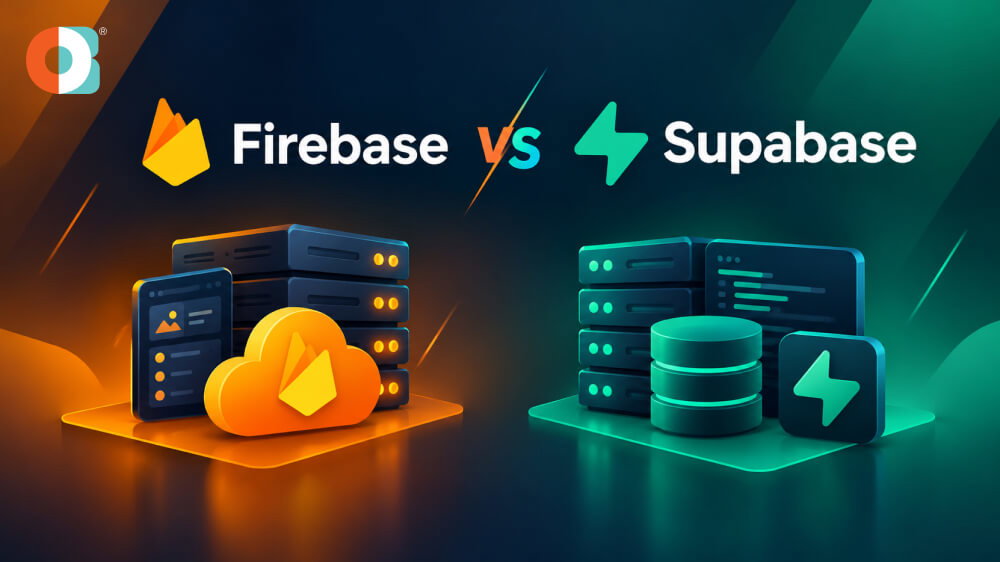
Firebase Vs Supabase- Know the Differences
Both platforms promise a fast backend, but they behave very differently once an AI feature goes live. We have shipped projects on each, and the Firebase vs Supabase decision rarely comes down to features alone. Think about how your app reads data, because that habit drives your bill and your architecture.
Core Differences at a Glance
| Factor | Firebase | Supabase |
|---|---|---|
| Data shape | Nested documents in Firestore | Tables with relations in Postgres |
| AI retrieval | Needs a separate vector service or Google AI tools | pgvector lives inside your database |
| Access rules | Firebase Security Rules language | Row Level Security written in SQL |
| Cost trigger | Every document read is billed | Compute, storage, and bandwidth |
| Exit path | Export data, then rewrite queries | Standard Postgres dump moves anywhere |
| Postgres option | Data Connect, backed by Cloud SQL | Native from day one |
Where Firebase Still Wins
Picture a chat app that commuters use on spotty mobile networks during every train ride. Firebase caches data on the device itself and syncs everything quietly once the connection returns. Our Firebase development team still picks it for that exact scenario and for quick demos.
Why Supabase Suits AI Workloads
A typical AI feature, like a support bot that answers from your docs, needs three things at once. It needs stored text chunks, vector similarity search, and permission checks so users see only their own data. That's where the benefits of Supabase become practical, because pgvector and Row Level Security share one Postgres database.
Read More: PostgreSQL- Complete Guide to the PostgreSQL Database, Features and Applications
Challenges and Limitations When Developing AI Apps with Supabase
Supabase is a strong pick, yet some limits only appear after launch, when changes cost more. Here are the problems we plan around when we build AI apps with Supabase for clients.
Performance and Cost Surprises
- Free-tier projects pause after a stretch of inactivity, which surprises teams demoing an AI prototype to investors.
- Large embedding tables need HNSW or IVFFlat indexes, and index builds eat memory on smaller compute plans.
- Chat apps with many open connections can hit real-time and database connection limits faster than expected.
- Edge Functions have execution time limits, so long model calls often belong in a separate worker.
Team and Process Hurdles
- A badly written RLS policy can leak data silently, so we test policies with real user roles.
- Schema changes need migrations in version control, which feels slower to developers used to Firestore's flexible documents.
- Self-hosting hands your team backups, upgrades, and monitoring, so most startups should stay on the hosted plan.
- Model usage fees from OpenAI or similar providers usually outgrow the database bill within months.
Getting Help Early
Bringing in a Supabase development company early catches policy and indexing mistakes before real users find them. Our engineers set up migrations, security tests, and cost alerts from the very first sprint. You can also hire AI developers to extend your team without a long hiring cycle.
Conclusion
If you want to build AI apps with Supabase, begin with one narrow use case and measure results. Whether you choose Firebase or Supabase, match the tool to your data shape. Choose Firebase for offline-first mobile apps, and choose Supabase when search, SQL, and data ownership matter most.
Either way, test your riskiest AI feature with real users first, before you invest in polish. As a Supabase development company, we can map your schema, security, and costs before development starts.
Frequently Asked Questions
Not always, since Firebase bills every document read, and chatty AI features can multiply reads quickly. Supabase bills mainly by compute and storage, so costs stay steadier under heavy querying and search. Run a small load test with realistic traffic and prompts before you commit to either platform.
You skip building auth, file storage, and a REST API layer, because Supabase ships all three ready. Your data also stays in standard Postgres, so moving to another host later stays realistic. That portability is a big reason many founders trust it for their first product launch.
A focused prototype often takes two to three weeks, covering ingestion, embeddings, and a basic chat screen. Production hardening, such as access policies and monitoring, usually adds several more weeks of careful testing.
Yes, but plan for effort, since you must remodel documents into tables and rewrite security rules. Auth users can move over with exported password hashes, so most users avoid forced password resets. Start with auth and one low-risk feature, then migrate the rest in small, safe stages.
Not for a first release, but someone must own prompts, evaluation, and cost tracking after launch. Our AI development services cover those gaps while your own team focuses on product decisions and users.
.jpg)