









13 Must-Try AR Apps for iOS & Android to Try in 2026

Have you ever thought about how our phones and computers will change the way we see and experience the world in the years to come? We have already crossed halfway through 2026, and it is expected that the coming years will be a great one for tech fans who want to make the digital and real worlds mix together.
Augmented reality is making considerable strides in new technology. For example, the best AR apps are leading the way in the next wave of interactive experiences that will improve our daily lives.
Let's look at the best AR apps for iPhone and Android in 2026. This list of 13 must-try AR apps has something for everyone, from cutting-edge teaching tools to next-level game experiences and powerful utility apps. Let's jump right in and find out what the future holds for AR!
AR apps compared at a glance
1. IKEA (AR room planner): Best AR App for Furniture Placement
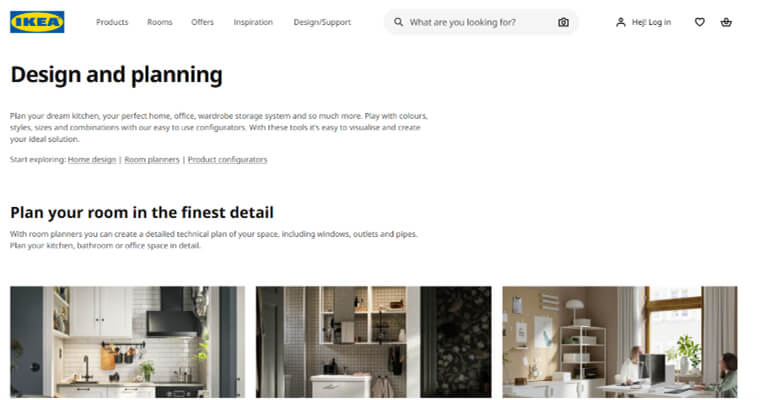
IKEA Place can help you visualize how a new couch or desk might appear in your living room if you have ever struggled with it. Using the camera on your phone, you may virtually replicate 3D furniture models accurately for your house. IKEA Place makes interior planning easy and fun by showing an accurate preview.
What's important:
- Accurately measuring a room with AR.
- A lot of furniture to virtually "place" and look at.
- You can share ideas and get comments right away.


2. Pokémon GO: AR Gaming That's Still Going
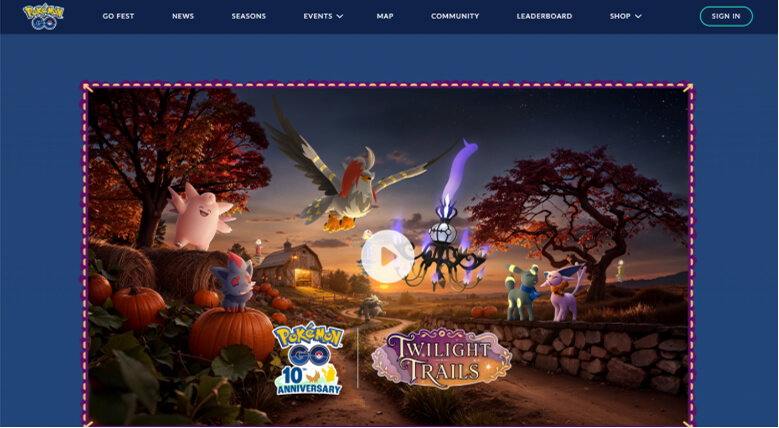
Pokémon GO remains the most widely used AR game on the market years after launch. There is no separate 'Pokémon GO 2.0', updates ship as ongoing versions of the same app, and Niantic pushed a fresh round of AR photo tools (layered AR effects, shared photo frames) in March 2026. AR+ mode anchors Pokémon to real-world surfaces using your camera and plane-detection hardware.
What's important:
- Real-time AR fights with many levels.
- Better group and social tools.
- Live events in more places around the world.
3. Snapchat: The Standard for AR Filters and Lenses
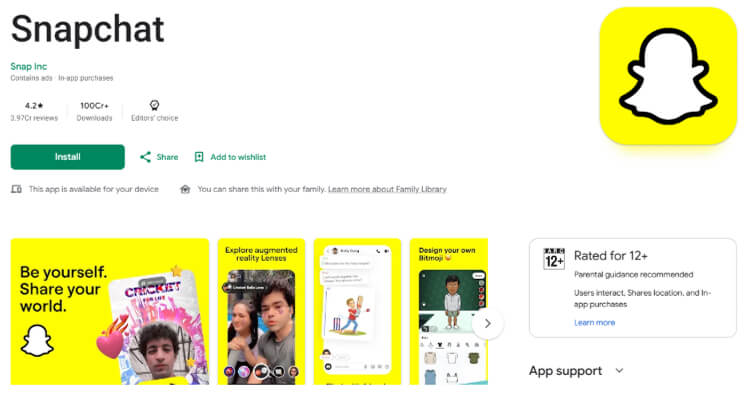
People who use their phones for fun and work have always liked Snapchat AR Filters. Face mapping has improved in 2026, and backgrounds can change in real time, making your surroundings change quickly. Snapchat's AR filters will continue to set new standards for how engaging social media experiences can be.
What's important:
- 3D support for Bitmoji.
- Effects on the world in real-time.
- More AR effects that you can use together for group snaps.
4. Quiver: AR Coloring That Kids (and Adults) Actually Use
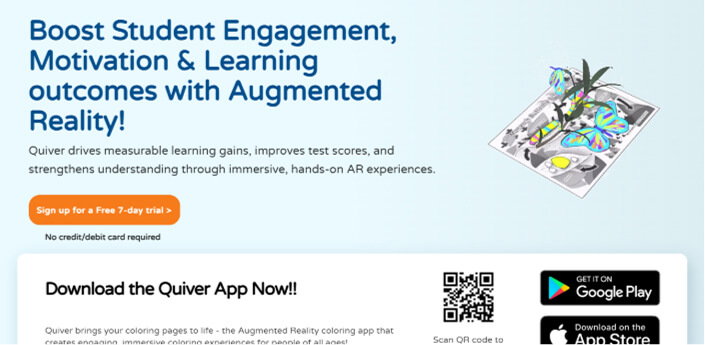
Quiver turns printable coloring pages into animated 3D characters once colored in and viewed through the app. It's aimed at kids but is genuinely used in classrooms as a low-effort way to introduce AR concepts.
What's important:
- Encouraging creativity in people of all ages.
- Interactive study tools for school.
- Parents and teachers can print out colored pages to use offline.
5. Google Translate: Best for Real-Time Camera Translation
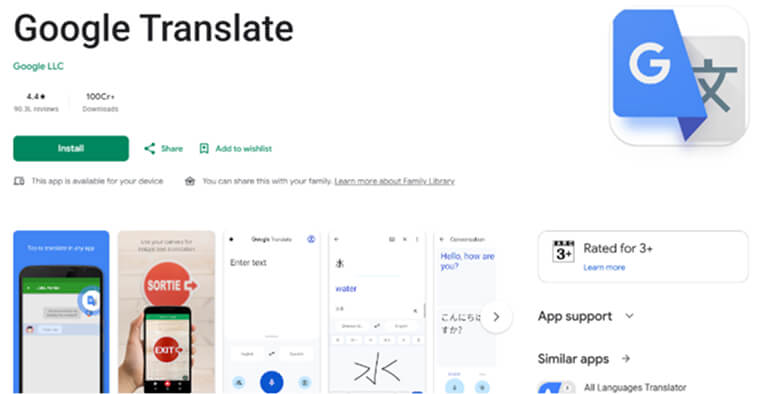
Google Translate's camera mode overlays translated text directly onto signs, menus, and documents in real time, using OCR plus neural machine translation. It covers more than 100 languages for camera translation and works offline once you download the relevant language pack, which makes it one of the more practical everyday AR tools rather than a novelty.
What's important:
- Instant translation on the screen.
- More support for languages.
- Language-specific improvements to OCR.
6. SketchAR: AR-Guided Drawing Practice
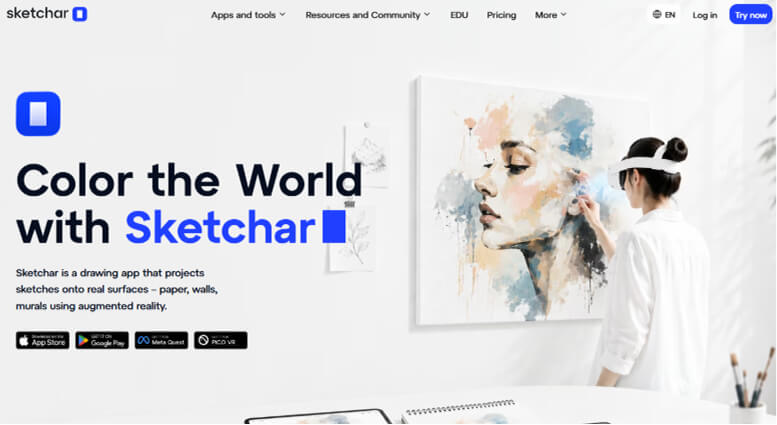
SketchAR is a huge step forward for people who want to be artists. It shows you how to make complex sketches again, step by step, by putting virtual lines on top of an actual surface. With expected improvements to motion tracking and AI-based lessons, SketchAR in the coming years will be an excellent tool for artists of all levels.
What's important:
- Lessons and training that you can interact with.
- Line and form mapping that is correct.
- Platform for shared art communities.
7. AR Ruler App: Best for Quick Measurements
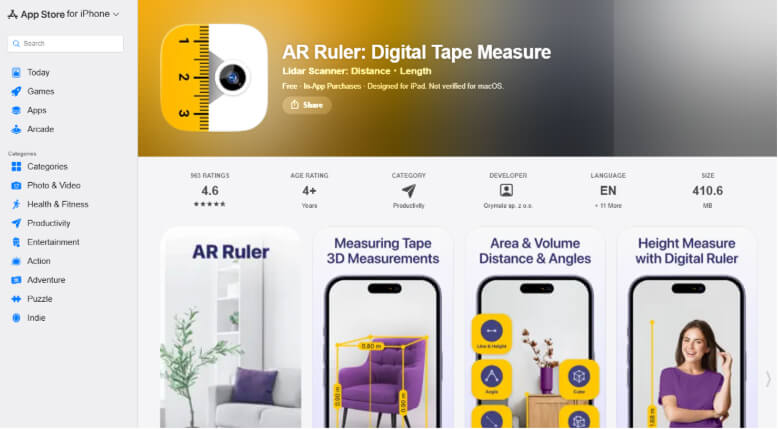
AR Ruler App turns a phone camera into a tape measure, protractor, and area calculator, using AR tracking to estimate length, area, and volume. Accuracy depends heavily on the device's camera and, on newer iPhones, LiDAR, worth noting for clients asking about precision.
What's important:
- Quickly figure out length, volume, and area.
- Accurately measure distance.
- Better scanning options.
8. Houzz: Best for Interior Design Visualization

Houzz's View in My Room 3D feature lets users preview more than 500,000 furniture, decor, and remodeling products in their own space using ARKit/ARCore, with true-to-scale sizing and realistic materials. According to Houzz's own published figures, shoppers who use the feature are 11 times more likely to purchase and browse 2.7 times longer than those who don't, worth citing as a credible, source-backed adoption stat rather than a guess.
What's important:
- Accurate 3D models of furniture and home decor.
- Better testing of wall colors.
- Design tips from the community.
9. JigSpace: Best for 3D Product and Training Walkthroughs
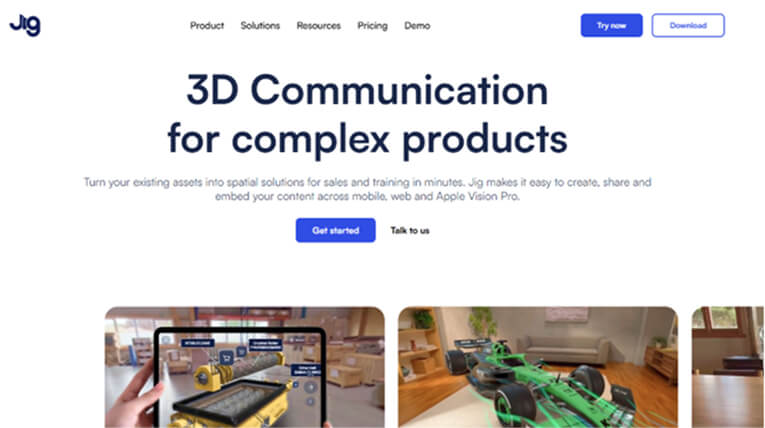
JigSpace lets you look at training topics, product samples, and more in 3D presentations that you can interact with. We can look forward to more themes, more complicated 3D animations, and tools for working together in real-time in the coming years. It will make the app useful for both schoolwork and business talks.
What's important:
- Guided 3D "Jigs" step by step.
- Real-time teamwork between multiple users.
- Extensive library with many books for different learning areas.
10. Magicplan: Best for Turning a Room Scan Into a Floor Plan
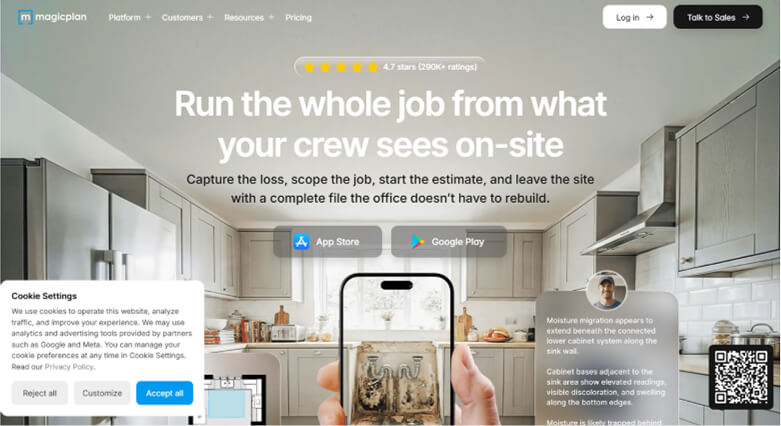
You can make floor plans with Magicplan by scanning rooms and putting them together in a way that makes sense. Real-time 3D models of whole houses will probably be possible with a new version that uses new gear. This is especially helpful for artists, real estate agents, and people planning home improvements.
What's important:
- Making floor plans with AR scans.
- Tools for figuring out how much things cost.
- Working as a team and backing up in the cloud.
11. InkHunter: AR Tattoo Preview
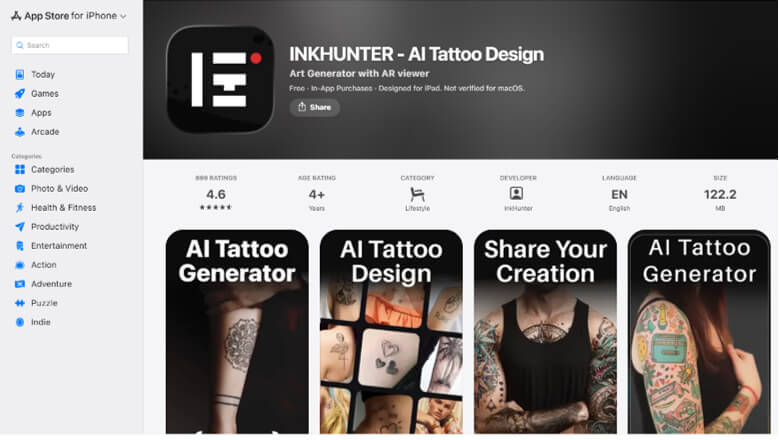
InkHunter overlays a chosen tattoo design onto skin through the camera, letting users see roughly how it will look before committing. The app has been rebranded and expanded since the original version; it's now listed as "INKHUNTER: AI Tattoo Design" with added design and photo-editing tools. Tracking on curved or moving body parts is still the main limitation.
Key Features:
- Preview stock, custom-uploaded, or AI-generated tattoo designs
- Placement preview on the body via camera
- Save and share preview images
12. Star Walk 2:Best for Stargazing With Your Phone
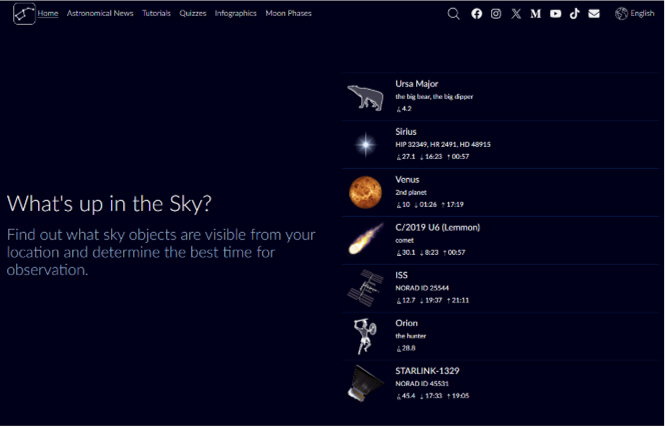
Star Walk 2 overlays stars, planets, satellites, and constellations onto the sky through the camera, tracking in real time as you move your phone. It's a long-standing app in the astronomy category with a strong reputation for accuracy against real sky data.
What's important:
- An interactive look at the sky.
- Constellation mapping in real-time.
- Fun facts and warnings about significant events in space.
13. Mondly AR: AR Vocabulary Practice
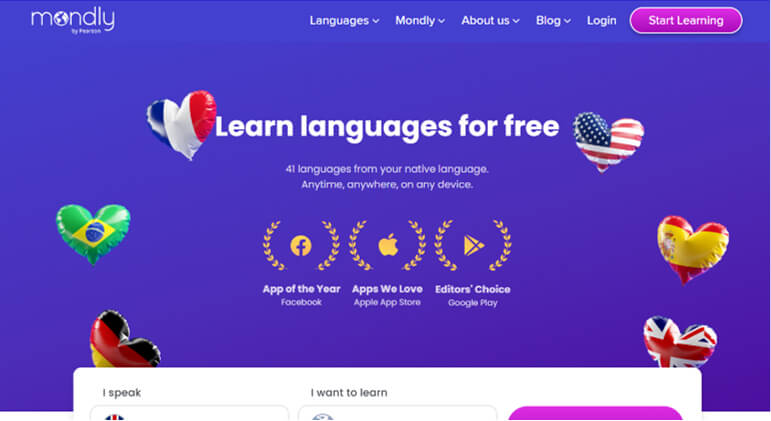
Mondly's AR mode places 3D objects in a room and prompts users to name them in the language they're learning, built into Mondly's main language-learning app rather than sold separately. It's worth setting expectations here: recent hands-on reviews describe it as a light bonus feature, a nice demo, not a core teaching tool. Therefore, it's best framed as a fun add-on rather than the main reason to recommend Mondly.
What's important:
- AR conversations in real-time.
- Using 3D items to work on your vocabulary.
- Speech detection gives you input right away.
FAQs
Q. What is the best free AR app in 2026?
A. IKEA Place and Google Translate's camera mode are both fully free and among the most practical AR apps for everyday use: one for shopping, the other for travel and daily navigation.
Q. Do AR apps work on all phones?
A. Most AR apps run on any recent iOS or Android device, but accuracy improves noticeably on phones with LiDAR (recent iPhone Pro models) or depth sensors, especially for measurement and room-scanning apps like AR Ruler App and Magicplan.
Q. What's the difference between an AR app and a VR app?
A. AR apps overlay digital content onto the real world through your camera, so you stay aware of your surroundings. VR apps replace your surroundings entirely and typically require a headset. All the apps in this list are AR, meaning no headset is needed.
Q. Can a business build a custom AR app instead of using an off-the-shelf one?
A. Yes, off-the-shelf apps like the ones above cover common use cases, but businesses with specific needs (product visualization, field training, retail try-before-you-buy) often need something purpose-built. Owebest Technologies builds custom AR applications for iOS and Android around a business's specific catalog, workflow, or training content, rather than adapting a generic template.
Final Takeaway
It will be very different how we use digital material after 2026, when AR really takes off. AR will change what we expect from mobile technology, from games you can interact with to learning in real-time. It's the best AR apps that focus on giving users high-quality, engaging experiences that will keep them interested in ways we've never seen before.
Are you looking for the top Augmented Reality App Development Services? When it comes to full-spectrum knowledge and a dedication to excellence, Owebest Technologies has you covered. Our team will make your idea come true. Now is the time to give your customers the future of digital engagement.
.jpg)